
FWD39 DVD Mini-HiFi System 2 is a multifunctional audio device produced by Philips. It has FM radio, CD playback, USB playback and other functions, which can provide users with rich audio-visual experience.
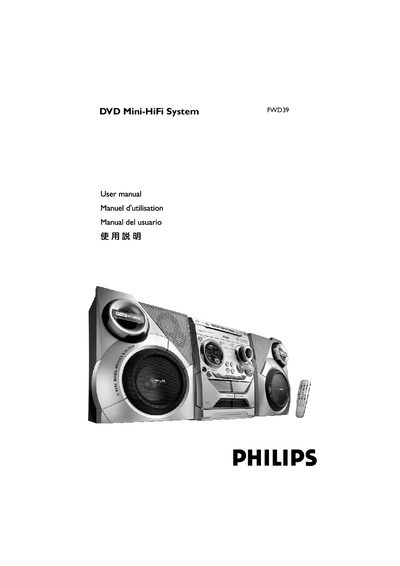
This manual provides step‑by‑step instructions for installing and using the Philips FWD39 DVD Mini‑HiFi System, including speaker wiring, TV and audio connections, remote control setup, and parental‑control configuration. Safety warnings, maintenance tips, and environmental disposal information are also covered.
Technical specifications, supported disc formats, radio tuning ranges, and detailed troubleshooting procedures are listed in the later sections, helping users resolve common issues and understand the system’s performance capabilities. This manual is written in Spanish.
| Output Power (PMPO) | 1500 W |
|---|---|
| Stereo Mode Power | 50 W + 50 W |
| Frequency Response | 180 Hz – 14 kHz ±3 dB |
| Signal‑to‑Noise Ratio | > 62 dB (A‑weighted) |
| Input Sensitivity (AUX/TV In) | 500 mV |
| Power Supply | 110‑127 V / 220‑240 V, 50‑60 Hz |
| Dimensions (W×H×D) | 265 mm × 310 mm × 367 mm |
| Weight | 5.45 kg |
Connect the speaker wires to the SPEAKERS (FRONT) terminals, right speaker to the “R” terminal and left speaker to the “L” terminal, using the color‑coded + and – contacts.
Use a soft, lint‑free cloth moistened with a mild cleaner, wipe from the center outward without circular motions, and avoid alcohol, ammonia or abrasive cleaners.
Check that the AC power cord is correctly plugged in, verify the disc is inserted properly, and ensure the power switch is on; if the problem persists, consult the troubleshooting table.