
This is a digital camera user manual that introduces basic and advanced camera operations, as well as how to download photos to a computer
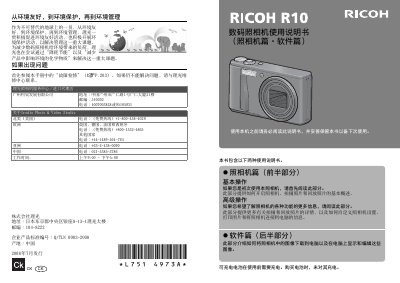
This user manual for the Ricoh R10 digital camera is divided into a camera section and a software section. The camera section covers basic operation and advanced shooting functions; the software section explains downloading images to a computer and displaying or editing them.
The manual describes the camera's 7.1x optical zoom lens, shake correction, close-up photography, electronic level, face recognition and personal settings. It also includes safety precautions and troubleshooting guidance. This manual is written in Chinese.
| Lens | 7.1x optical zoom; 28-200mm (35mm equivalent) |
|---|---|
| Close-up shooting distance | 1 cm wide-angle, 25 cm telephoto from the lens front |
| Shake correction | Camera shake correction function |
| Electronic level | Level indicator and level sound on the image display |
First check the troubleshooting section on page 203; if the problem remains, contact a Ricoh service center.
Yes. The rechargeable battery must be charged before use and is not charged at purchase.
The camera has a 7.1x optical zoom lens with a 28-200mm range in 35mm equivalent.
Close-up shooting is possible from 1 cm at wide-angle and 25 cm at telephoto, measured from the lens front.