
The Canon SELPHY CP710/CP510 Small Photo Printer User Guide provides setup, operation, and troubleshooting instructions for both models.
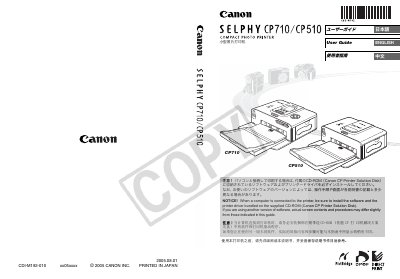
This guide covers everything needed to set up and use the Canon SELPHY CP710/CP510 small photo printers, including safety precautions, unpacking, installing ink cartridges and paper trays, and connecting to cameras or computers. Detailed step‑by‑step procedures are provided for printing from a camera, memory card (CP710 only), or a computer, as well as for using the printer’s LCD and control buttons.
The manual also includes system requirements for computer connections, software installation instructions, battery usage, power specifications, and a comprehensive troubleshooting section with error codes and solutions. Compatibility information for various memory cards and PictBridge‑enabled cameras is provided, along with warranty and legal notices.
| Color depth | 256 levels per color |
|---|---|
| Ink type | Dedicated cartridge per paper size (Y/M/C + protective film) |
| Power input | AC 100‑240 V, 50/60 Hz |
| Dimensions (printer) | 178 × 131 × 63 mm |
| Weight (CP710) | ≈ 980 g |
| Supported memory cards (CP710) | SD, CompactFlash, Memory Stick, Memory Stick PRO, Multimedia, xD‑Picture, etc. |
The CP710 supports SD cards, CompactFlash (CF) cards, Memory Stick, Memory Stick PRO, Multimedia cards, xD‑Picture cards, and others with the appropriate adapter.
The printer operates from an AC source of 100‑240 V, 50/60 Hz and consumes up to 60 W (standby less than 4 W).