
This manual describes how to configure wireless network function and connect the camera with the computer via wireless connection.
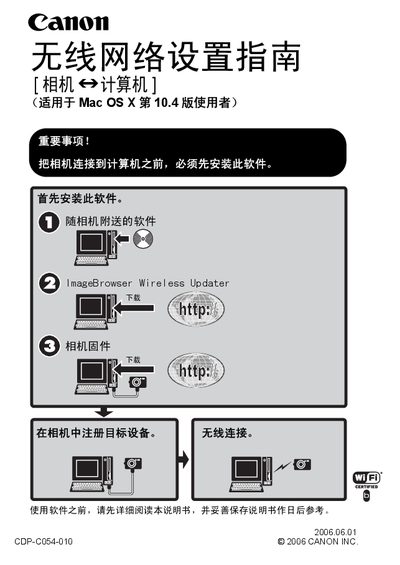
This manual explains how to install the required software, connect a Canon camera to a computer via the wireless network, and configure the necessary Wi‑Fi and LAN settings. It includes important safety notices and the required operating system (Mac OS X 10.4 or later).
The guide also covers updating the camera firmware with ImageBrowser Wireless Updater, configuring AirPort security (WEP/WPA), and troubleshooting common connection problems. Additional sections describe firewall settings, Bonjour usage, and how to disable Stealth mode if needed. This manual is written in Chinese.
| Wi‑Fi certification | Wi‑Fi CERTIFIED |
|---|
It complies with the Wi‑Fi CERTIFIED standards.
Use the ImageBrowser Wireless Updater to download and install the latest firmware on the camera.