
This is a camera user guide, which explains the basic usage methods and precautions of the camera.
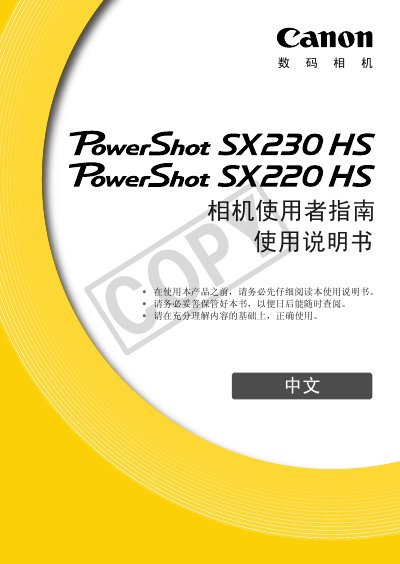
This manual explains how to set up and use the Canon PowerShot SX230 HS / SX220 HS digital camera, covering safety precautions, battery charging, memory‑card insertion, shooting modes, playback, and video recording. It also includes troubleshooting tips and warranty information.
Detailed sections describe menu navigation, custom settings, connectivity options such as USB and HDMI, and the camera's physical dimensions and weight. The specifications chapter lists sensor resolution, zoom capabilities, supported storage media, and video formats. This manual is written in Chinese.
| Maximum image resolution | 4000 × 3000 pixels |
|---|---|
| Optical + digital zoom | 4.0× optical, up to 56× total |
| Supported memory cards | SD, SDHC, SDXC, MMC, MMCplus, HC‑MMCplus, Eye‑Fi |
| Interface options | Hi‑Speed USB, HDMI output, analog audio/video, PictBridge |
| Weight (including battery and card) | ≈ 223 g |
The camera supports SD, SDHC, SDXC, MMC, MMCplus, HC‑MMCplus, and Eye‑Fi cards.