
This document is the third volume of the syngo CT operation manual, which introduces the features and characteristics of software such as syngo Data Set Conversion, syngo Calcium Scoring, syngo Dental CT, syngo Dynamic Evaluation, syngo Osteo CT, syngo Perfusion CT, syngo Pulmo CT, and syngo Volume.
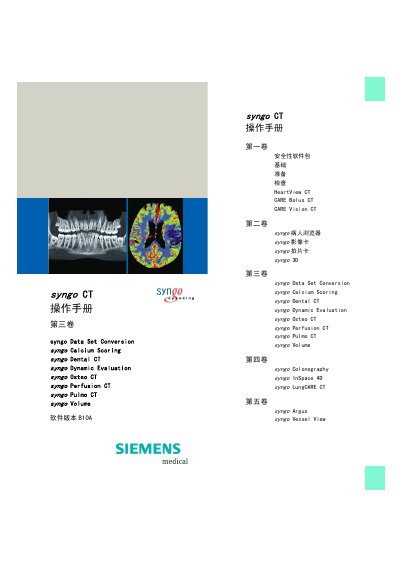
The manual provides step‑by‑step instructions for using the syngo CT software on Siemens SOMATOM CT systems. It covers workflow from patient registration through image acquisition, processing, evaluation, and archiving for each clinical application module.
Each chapter details the specific functions such as Data Set Conversion, Calcium Scoring, Dental CT, Dynamic Evaluation, Osteo CT, Perfusion CT, Pulmo CT and Volume, including how to load raw images, adjust settings, evaluate results and export or print images. This manual is written in Chinese.
| Software version | B10 |
|---|---|
| CE marking | Compliant with EU directive 93/42/EEC |
Select Application > Close Volume from the main menu.
Click the Save button to store the selected result images.
Use * (asterisk) to decrease and - (minus) to increase window width.