
This manual provides basic information on using the Wireless Keypad.
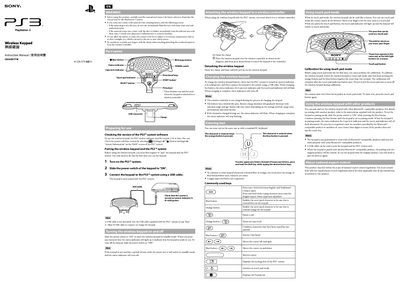
This manual covers the Sony CECHZK1TW wireless keypad for use with a PlayStation 3 system, including safety notes, required system software, pairing, attaching and detaching, charging, and text entry.
It also explains commonly used keys, touch pad mode and its calibration, and pairing the keypad with other Bluetooth-compatible products.
| Required PS3 system software | Version 2.70 or later |
|---|---|
| Bluetooth passkey length | Four digits or more |
The PS3 system software must be version 2.70 or later.
Turn on the PS3 system, slide the keypad power switch to ON, and connect the keypad to the PS3 system using a USB cable.
Check that the PS3 system is turned on, then connect the keypad to the system using a USB cable; the indicators flash while charging and turn off when charging is complete.
Switch the keypad to touch pad mode, then keep pressing the Orange button and the blue button together for more than two seconds.