
This document is a simple operating manual for SONY-Z1N, which introduces the use of the camera, including recording format, power and DV tape, front lens ring, left side, IRIS, GAIN, SHUTTER SPEED, WHT BAL, etc.
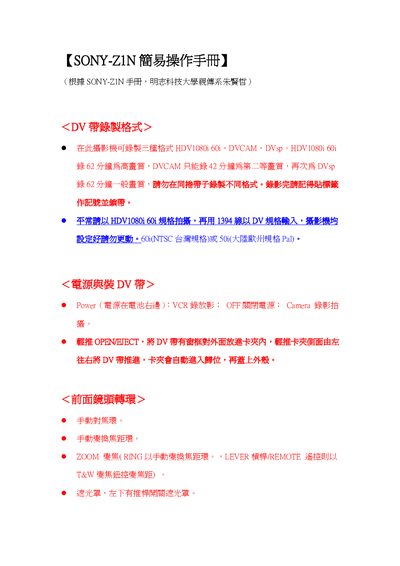
The guide explains how to power on the Z1N, select recording formats (HDV1080i, DVCAM, DVsp), and use the manual focus and zoom controls. It also describes menu functions such as white‑balance presets, gain, iris, and shutter speed settings.
Additional sections cover audio input options, video output connections (S‑Video, component, AV), LCD display settings, timecode functions, language selection, and remote‑control operation. This manual is written in Chinese.
| HDV1080i recording time | 62 minutes |
|---|---|
| DVCAM recording time | 42 minutes |
| DVsp recording time | 62 minutes |
It can record up to 62 minutes in HDV1080i mode.
Press the format button and select HDV, DVCAM, or DVsp.