
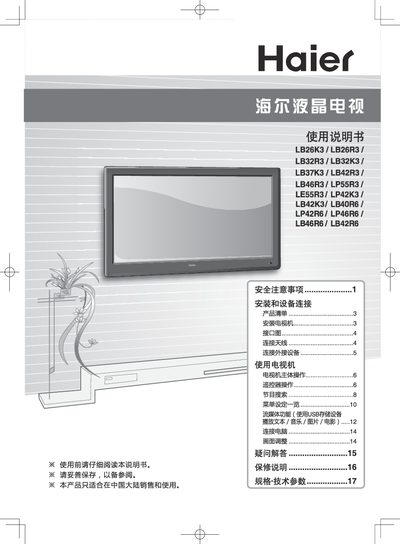
Haier LB Series LCD TV User Manual


Haier LB Series LCD TV User Manual - cover page
Brand
Haier
Category
Television
Document type
User Manual
Language
Chinese
Pages
20
File format
PDF
File size
16.7 MB
Published
25 February, 2012
Updated
29 September, 2023
Models
LB32K3, LB32R3
MD5 checksum
6EF6E3198EC035B159C0A319586A4A92

About this manual

This document is the user manual for Haier LCD televisions, covering multiple models in the LB series such as the LB26K3, LB32R3, LB42R3, and others. It begins with safety precautions and a list of included accessories before detailing installation procedures for wall mounting or using the stand.

The guide explains how to connect various external devices like DVD players, set-top boxes, and VCRs using HDMI, AV, S-Video, and YPbPr inputs. It also covers basic operation of the TV, including power management, channel selection, and the use of the remote control, noting that specific button functions may vary by model. This manual is written in Chinese.

What's inside

  • Safety Precautions
  • Product List
  • Installation
  • Connecting Devices
  • TV Operation
  • Remote Control
  • Streaming Media
  • Environmental Protection

Specifications

Power Supply220V, 50Hz

Frequently asked questions

What is the maximum effective operating distance of the remote control?

The remote control can operate from up to 8 meters away.

How long may a static image be displayed before permanent image retention can occur?

Do not display a static image for more than two hours.

What should you do if the television will not be used for a long time?

Turn off the television and unplug the power plug.

What power supply voltage and frequency does the television require?

The television requires 220v、50Hz power.

Download PDF (16.7 MB)

More Haier Manuals


View all Haier manuals →