
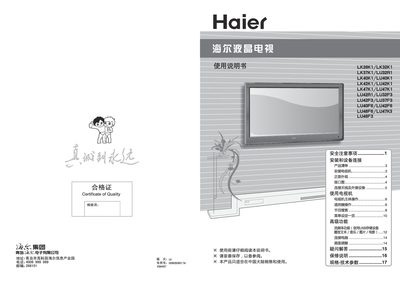
This manual provides safety precautions, installation guidelines, and connection instructions for Haier LCD televisions. It explains how to set up the TV on a wall mount or stand, connect power, antenna, and external devices such as HDMI, USB, and VGA sources.
The guide also covers everyday operation, including remote‑control functions, picture and sound settings, advanced media playback from USB or memory cards, troubleshooting tips, and warranty details. All instructions are illustrated with diagrams and warnings to ensure safe and optimal use. This manual is written in Chinese.
| Power Consumption (LK26K1) | 60W |
|---|---|
| Dimensions (LK26K1) | 662 x 200 x 506 mm |
| Power Supply | 220V 50Hz |
The TV is covered by a one‑year warranty (including the remote), while the power adapter, power board, and display panel are covered for three years.