
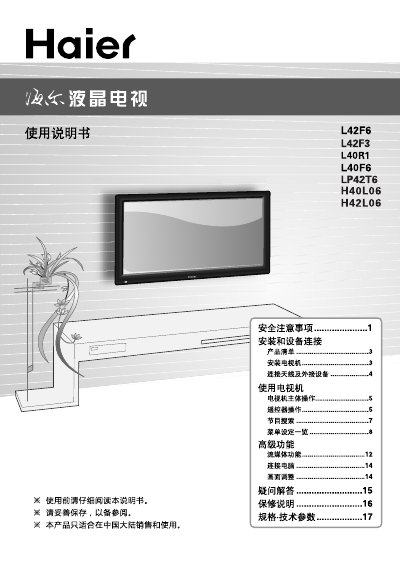
The manual begins with safety precautions, warning users about electrical hazards, proper handling, and environmental conditions. It then details installation and connection procedures, including antenna, HDMI, AV, and component inputs, as well as recommended mounting and ventilation clearances.
Subsequent sections cover TV operation, remote‑control functions, picture and sound settings, power‑saving features, and troubleshooting tips. The final part lists technical specifications for each model and includes environmental compliance information and a certificate of quality. This manual is written in Chinese.
| Power Consumption | 120W (L42F6), 100W (L42F3), 200W (other models) |
|---|---|
| Dimensions (with base) | 1020 mm × 300 mm × 697 mm (L42F6) |
| Supported Video Formats | 480i/480p, 576i/576p, 720p, 1080i/1080p |
| Input Interfaces | AV, YPbPr/YCbCr, HDMI, DVI, PC |
| Power Supply | 220 V 50 Hz |
The remote control works reliably up to 8 meters from the TV.
Unplug the TV and use a soft cloth; do not use industrial chemicals or let foreign objects enter the chassis.
Open the battery compartment, insert two AA (七号) batteries with correct polarity, and avoid mixing new and old batteries.