
Haier air conditioner user manual, which includes instructions for use, precautions, warranty policy and other information
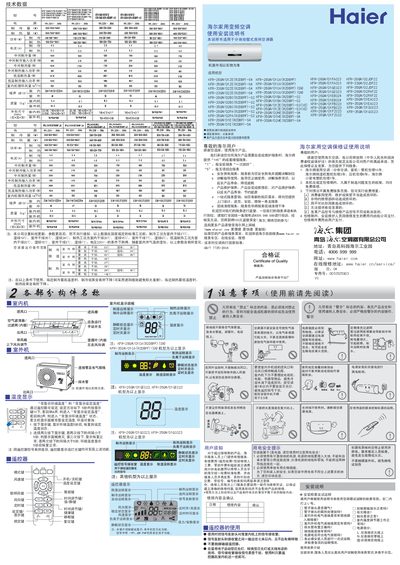
The manual begins with safety precautions, emphasizing proper grounding of the power socket, avoiding water on the indoor unit, and using the remote control for operation. It also outlines warranty information and the importance of regular filter cleaning to maintain performance.
Installation instructions cover positioning of indoor and outdoor units, electrical connections, refrigerant handling, and final testing. The operation guide explains remote‑control functions, mode selection, temperature setting, and special features such as the ionizer and smart wind modes. Maintenance tips and troubleshooting advice are provided at the end. This manual is written in Chinese.
| Cooling capacity (W) | 2600 |
|---|---|
| Indoor unit dimensions (mm) | 795×265×191 |
The power socket must have a ground wire to ensure effective grounding; improper grounding can cause electric shock or fire.
The filter should be cleaned regularly; if blocked it reduces cooling/heating efficiency and can cause faults.
Haier household split and window air conditioners are covered by a 10‑year whole‑unit warranty.
Press the display key ten times within five seconds; the remote will emit four beeps and enter the temperature‑setting mode.