
This document is the user manual for the remote monitoring device GN0116, which includes specifications, user precautions, and safety instructions.
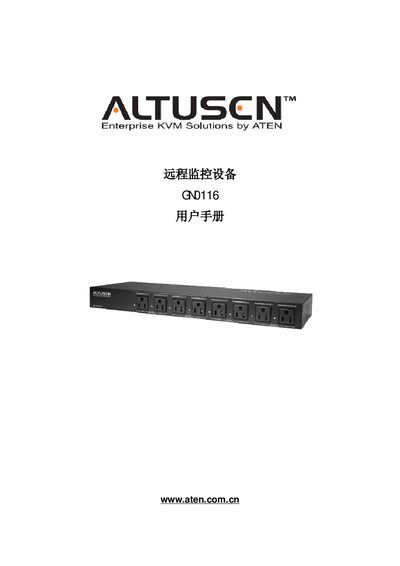
This manual guides users through the setup and use of the ATEN GN0116 remote monitoring device. It covers safety precautions, rack mounting, hardware installation, network and serial connections, and firmware updates.
Detailed sections include product specifications, wiring diagrams, command reference, and warranty information, helping both installers and operators to configure and maintain the device safely and efficiently. This manual is written in Chinese.
| DC power input | 12 V / 2.5 A |
|---|---|
| AC output ports | 8 ports (1‑8 / 109‑116) |
| RS‑232 connector | 1 x RS‑232 (female) |
| Ethernet (RJ‑45) port | 1 x RJ‑45 |
The GN0116 provides eight AC output ports (ports 1‑8 / 109‑116).
Unplug the device from the wall outlet, use a damp cloth, and avoid liquid or foam cleaners.