
Key facts
- Manuals
- 13
- Languages
- JA · ZH · EN
- Last added
- 2012-02-19
Featured Altuscn manuals
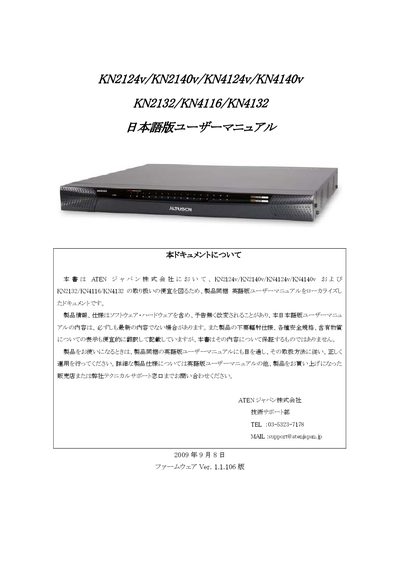
ATEN KN2124v/KN2140v/KN4124v/KN4140v/KN2132/KN4116/KN4132 User Manual
This manual, prepared by ATEN Japan, provides instructions for the KN2124v, KN2140v, KN4124v, KN4140v, KN2132, KN4116 and KN4132 KVM switch series. It includes safety notices, product warranty details, hardware specifications, and guidance for installation, configuration, and remote access.
The document also describes supported virtual media devices, cascade connection limits, network settings, and administrative functions such as super‑admin password changes. Warranty procedures, contact information for technical support, and a list of compatible KVM models for cascading are included. This manual is written in Japanese.
Covers: User Notice · Product Warranty · Safety Information · System Requirements · Setup Method · Cascaded Connection
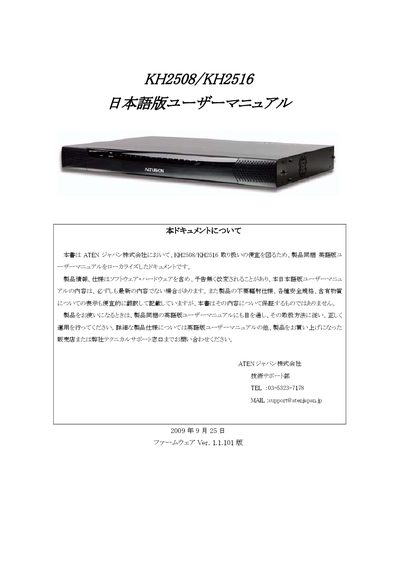
ATEN KH2508/KH2516 User Manual
This manual, prepared by ATEN Japan, offers safety guidelines, warranty terms, and contact details for technical support. It explains the intended use of the KH2508/KH2516 KVM switches, notes limitations for high‑reliability applications, and outlines the warranty exclusions.
The document then details the installation process, including rack‑mounting, power connections, and jumper settings, followed by basic operation instructions such as hot‑plugging, OSD navigation, port selection, and cascade connections. Additional sections cover advanced OSD functions, hotkey reference, and troubleshooting steps. This manual is written in Japanese.
Covers: Safety Information · Warranty Terms · Contact Information · Rack Mounting Guidelines · Setup Procedure · Basic Operation
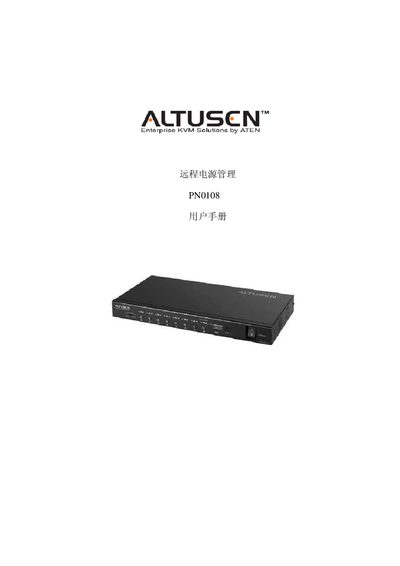
Aten PN0108 Power Supply Management User Manual
This manual covers the safety requirements, installation steps, and operating procedures for the Aten PN0108 remote power management unit. It includes guidance on proper grounding, cable selection, rack mounting, and environmental considerations to ensure reliable performance.
The document also details firmware upgrade procedures, administrator login management, troubleshooting steps, and technical specifications such as input/output ratings, power consumption, and physical dimensions. Warranty and support information are provided at the end of the manual. This manual is written in Chinese.
Covers: Overview · Safety Guidelines · Installation and Rack Mounting · Power Cable and Connector Details · Operation and Firmware Upgrade · Administrator Login and Reset

ATEN CC1000 User Manual
This manual covers all aspects of the ATEN CC1000 KVM system, including hardware contents, FCC and RoHS compliance, and detailed product information. It guides users through initial setup, Windows and Linux installation, and provides troubleshooting and upgrade procedures.
Additional sections describe the CC1000J Manager and Administrator Utility, user and group management, authentication server configuration, and web server setup, giving administrators full control over device deployment and security.
Covers: FCC Information · Online Registration · Package Contents · Installation Overview · System Requirements · CC1000J Manager
Latest Altuscn manuals
ATEN KN2124v/KN2140v/KN4124v/KN4140v/KN2132/KN4116/KN4132 User Manual
User Manual 296 pages · 4.1 MB · JAUser manual for ATEN KVM switches covering setup, operation, warranty and virtual media support for models KN2124v, KN2140v, KN4124v, KN4140v, KN2132…
ATEN KH2508/KH2516 User Manual
User Manual 102 pages · 1.6 MB · JAThe ATEN KH2508/KH2516 user manual provides setup, operation, safety, warranty and support information for these KVM switch devices.
Aten PN0108 Power Supply Management User Manual
User Manual 72 pages · 974 KB · ZHThe Aten PN0108 user manual provides safety, installation, and operation instructions for the remote power management device.
ATEN CC1000 User Manual
User Manual 242 pages · 7.8 MB · ENThe ATEN CC1000 user manual provides installation, configuration, and management instructions for the KVM over IP solution.
ALTUSCN KM0216 KM0432 Matrix KVM switcher Manual
ATEN CC2000 Management Software User Manual
User Manual 5 pages · 580 KB · ZHThe ATEN CC2000 Management Software User Manual provides installation, configuration, and operation instructions for the CC2000 KVM over IP solution.
ATEN PN9108 Remote Power Management Unit User Manual
User Manual 101 pages · 1.1 MB · ZHThe ATEN PN9108 user manual provides installation, configuration, and operation instructions for the remote power management unit.
ALTUSCN KN2132/4116/4132 Manual
ALTUSCN CN8000 user manual
ATEN KL1116 KVM Switch User Manual
User Manual 80 pages · 833 KB · ENThe ATEN KL1116 KVM Switch user manual provides setup, operation, and troubleshooting instructions.
ATEN KM0832 KVM Switch User Manual
User Manual 156 pages · 1.7 MB · ZHThe ATEN KM0832 KVM Switch User Manual provides installation, operation, and warranty information for the KM0832 matrix KVM switch.
ATEN GN0116 Remote Monitoring Device User Manual
User Manual 73 pages · 630 KB · ZHThe ATEN GN0116 user manual provides installation, safety, wiring, and operation instructions for the remote monitoring device.
ALTUSCN long-range power supply manage unit PN0108 user manual
User Manual 85 pages · 1 MB · ZHUser manual for ATEN PNO108 power supply management unit, covering installation, connections, specifications, and safety information.
Which document do I need?
User Manual
Day-to-day operation, settings and troubleshooting. Start here if the product is already set up.
Questions answered in Altuscn manuals
Can the KVM switches be cascaded more than three stages?
No, the products do not support cascade connections of more than three stages.
From: ATEN KN2124v/KN2140v/KN4124v/KN4140v/KN2132/KN4116/KN4132 User Manual
How do I start the OK prompt on Sun Solaris?
Press the Ctrl key once, release it, then hold the T key while pressing the Alt key.
Which models can be cascaded with this product?
The KH2508/KH2516 can be cascaded with other KH2508 and KH2516 units.
What are the input voltage ranges for the PN0108?
The unit accepts 100‑120 V at 12 A or 220‑240 V at 10 A, both at 50/60 Hz.
What type of power cable should be used for the PN0108?
Use the supplied cable or a replacement with the same standard: 0.75 mm² × 3G (H05V‑V‑F or VW‑1) rated for 10 A, compatible with VDE 0620/0625 or EN 60320 specifications.
Where can I register the CC1000 product online?
Use the international registration site at http://support.aten.com or the North America site at http://www.aten-usa.com/product_registration.
From: ATEN CC1000 User Manual