
Philips MCD988 DVD Micro Theatre User Manual

This file is the MCD988 DVD Micro Theatre User Manual
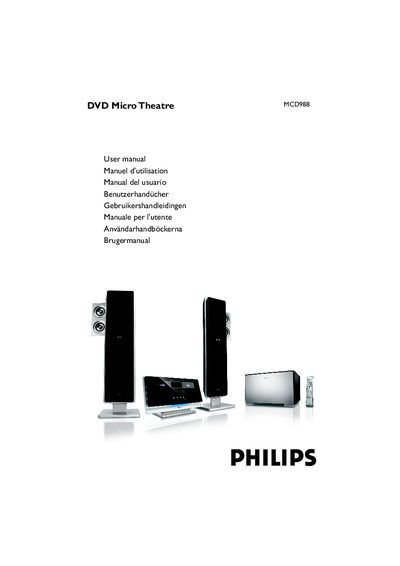

Philips MCD988 DVD Micro Theatre User Manual - cover page
Brand
Philips
Category
Video Player
Document type
User Manual
Language
English
Pages
46
File format
PDF
File size
1.9 MB
Published
15 February, 2012
Updated
30 September, 2023
Model
MCD988
MD5 checksum
BDB70844F2D76361CF96C0F546F84B58

About this manual

This user manual covers the Philips MCD988 DVD Micro Theatre, including general information, features, supplied accessories, and installation.

It also explains connections for the subwoofer, speakers, USB device, memory card, and TV, as well as remote control use, disc playback, system menu setup, radio reception, and troubleshooting.

What's inside

  • General Information
  • Installation
  • Connections
  • Functional Overview
  • Getting Started
  • Basic Operations
  • Disc Operations
  • System Menu Options
  • Other Functions
  • Troubleshooting

Frequently asked questions

What fuse should be used in the UK mains plug?

Fit a new BS1362 3 Amp fuse that is A.S.T.A. or BSI approved.

Which wire connects to the terminal marked N?

Connect the blue wire to the terminal marked N or coloured black.

What does DVS technology do?

It creates a highly compelling 5.1-channel listening experience from as few as two speakers.

What does HDMI do?

It allows pure HD digital video transmission without the loss of image quality.

Download PDF (1.9 MB)

More Philips Manuals


View all Philips manuals →