
This document is the user manual for the Philips DVD Video Player DVP642/37. The manual provides quick tips and operating instructions for using the product, as well as information on the benefits of product registration.
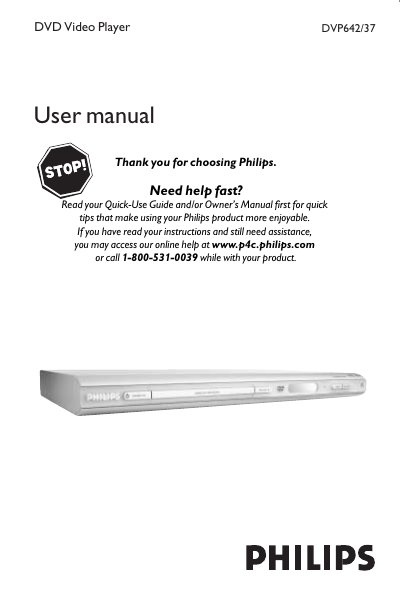
This manual covers everything needed to install and use the Philips DVP642/37 DVD Video Player, including safety warnings, connection diagrams, remote‑control operation, and menu navigation. It also explains how to register the product for warranty and receive updates.
Detailed sections describe video and audio connections, disc handling, playback features, audio/video settings, and troubleshooting steps for common problems such as no power, picture issues, or disc incompatibility.
| Laser type | Semiconductor laser GaAlAs |
|---|---|
| Wavelength (DVD) | 650 nm |
| Output Power (DVD) | 7 mW |
| Beam divergence | 60 degree |
Register the model with Philips by completing the Product Registration Card or online at the Philips website to receive warranty benefits and updates.
Check that the AC power cord is properly connected and press the STANDBY button on the front of the DVD Player.
Use one video connection—either the supplied composite video cable (yellow) for CVBS, an S‑Video cable, or component video cables—plus the audio cables to the TV’s corresponding inputs.