
This document lists the names and contents of toxic and harmful substances or elements in the phone, as well as the phone's environmental service life, safety and use information.
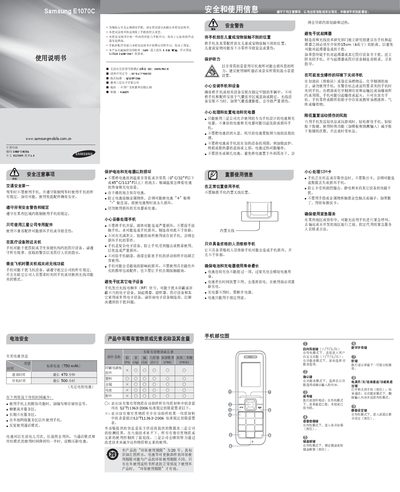
This manual covers safety and usage information for the Samsung E1070C mobile phone, including warnings about driving, airplane use, and proximity to medical equipment. It also details battery handling, environmental restrictions, and proper disposal.
The guide explains how to install the SIM card and battery, make and receive calls, send SMS, adjust volume, set alarms, enable SOS and tracking features, and use the built‑in flashlight. Each function is described with the required key presses and menu navigation steps. This manual is written in Chinese.
| Battery capacity | 750 mAh |
|---|---|
| Maximum talk time | 470 minutes |
| Maximum standby time | 500 hours |
The maximum talk time is 470 minutes on a fully charged battery.
No – the manual requires the phone to be turned off or set to airplane mode during flight.
Open the Settings menu, select SOS message, turn it on, choose a contact, and save the settings.