
This document is the user manual for DOI-E11992 MODCAT CM5550T, which provides instructions for using the product and important safety information, as well as troubleshooting steps.
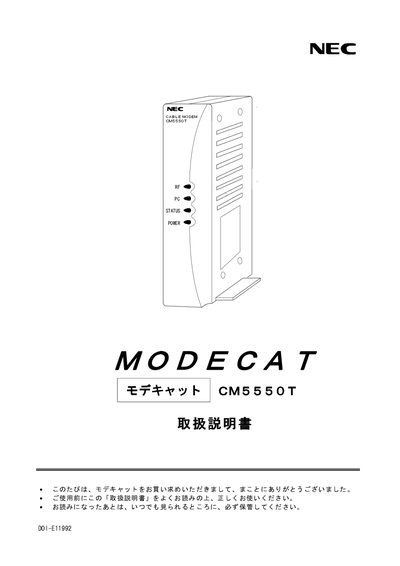
This manual explains safety precautions for the NEC CM5550T cable modem, including warnings about fire, electric shock, and proper handling of the AC adapter. It also covers environmental restrictions such as avoiding placement in wet or high‑temperature locations.
Installation guidance includes checking the box contents, connecting the LAN (RJ45) and RF input, and using only the supplied AC adapter. The specification section lists power requirements, operating temperature, interface details, dimensions, and weight of the device. This manual is written in Japanese.
| Model | CM5550T |
|---|---|
| Power Supply | AC 90‑110 V, 50/60 Hz |
| Power Consumption | Maximum 9 W |
| Operating Temperature | 0 °C to 40 °C |
| PC Interface | LAN (RJ45) |
| Standard RF Input Level | 60 dBV |
| Weight (modem only) | ≈ 0.2 kg |
Immediately unplug the AC adapter from the power outlet.
No. The device must not be installed in wet locations such as bathrooms or kitchens.
Only the supplied AC adapter should be used; other adapters are prohibited.