
The document introduces NEC's LaVie series of notebook computers. The LaVie series offers a variety of models and configurations to suit different personalities and needs. The three types offered include standard all-in-one models (with Pentium M or Celeron processors) and basic slim models. The products feature high performance, rich functionality, and stylish design. The LaVie series allows users to enjoy a rich digital life in different places and environments.
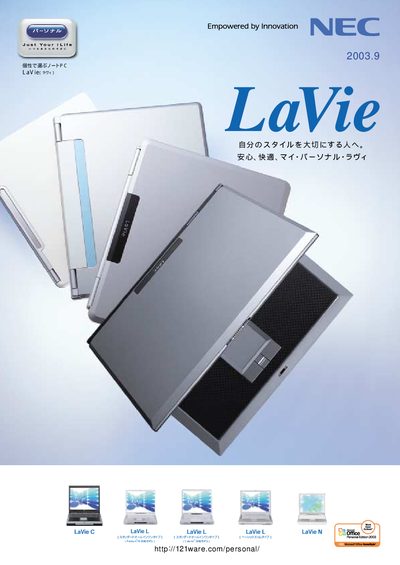
The NEC LaVie line offers a range of notebook computers with various CPU options, storage capacities, and display technologies. The manual provides detailed specifications, software bundles, and optional accessories for each model.
It also includes information on wireless connectivity, battery options, safety notices, and support services, helping users set up and use their LaVie laptops effectively. This manual is written in Japanese.
| Hard Disk Capacity | ≈80 GB |
|---|---|
| Maximum RAM | 2 GB |
| Display Size | 15‑inch SXGA+ |
| USB Ports | 4 × USB 2.0 |
| Wireless LAN Standards | IEEE 802.11a/b/g |
NEC recommends Microsoft Windows XP for the LaVie series.
The notebooks support IEEE 802.11a, 802.11b, and 802.11g.
Approximately 80 GB of hard‑disk storage is specified.