
NEC PCN-1800 series is a new analog TV transmitter that sets a new benchmark for analog TV transmitters. It features easy digital conversion, all-band solution and superior maintenance function.
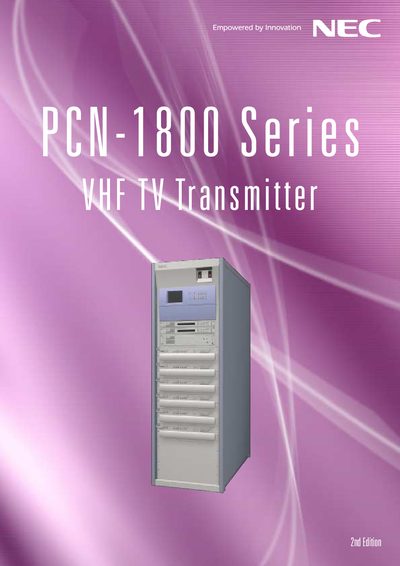
The NEC PCN-1800 series is a compact VHF analog television transmitter positioned as a new benchmark in analog TV broadcasting. It enables easy conversion to digital TX through software replacement in its new digitalized exciter.
The series provides all-band operation for any VHF channel, automatic compensation without a demodulator, and remote monitoring via a built-in web server and SNMP. It also features a hybrid liquid cooling system with automatic air purging and easy coolant feeding.
| Operating Frequency Range | 170MHz ~ 230MHz |
|---|---|
| Load Impedance | 50Q with VSWR <1.5 |
| Input Level Sync | 0.3V + 6dB |
| Visual Standard | 625-line ITU-R Standard-B/G |
Yes, easy conversion is enabled by replacing software in the transmitter series using a new digitalized exciter.
It can be monitored and controlled from a remote PC with a web browser or using an SNMP manager via a built-in web server and SNMP.