
This document provides detailed instructions on how to safely use and maintain the Philips 220BW8 plus monitor. It covers topics such as operation, maintenance, troubleshooting, and safety precautions, and provides helpful tips and advice.
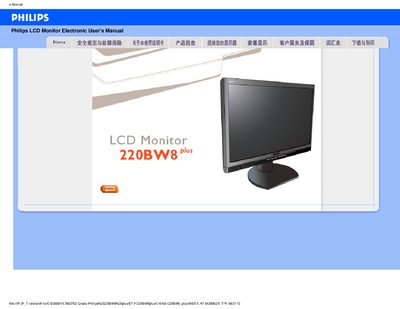
This electronic user manual covers safety precautions, proper handling, cleaning, and maintenance of the Philips 220BW8 Plus 22‑inch LCD monitor. It explains how to avoid damage, how to clean the screen safely, and what environmental conditions are recommended for optimal performance.
The guide also includes a detailed FAQ section that answers common questions about video mode errors, resolution adjustment, refresh rate, VESA wall‑mounting, and USB functionality, as well as instructions for installing the supplied driver disc on Windows systems.
| Recommended resolution | 1680 × 1050 @ 60 Hz |
|---|---|
| Operating temperature | 0 °C to 40 °C (32 °F to 95 °F) |
| Relative humidity | 20 %–80 % RH |
| VESA mounting | 4 standard VESA holes |
| Color temperature settings | 5000K, 6500K, 7500K, 8200K, 9300K, 11500K |
Disconnect all cables, connect the PC to a monitor that works, set the display resolution to 1680 × 1050 px at 60 Hz in Windows, then reconnect the Philips monitor and power it on.
Open the Windows Control Panel, select Display, and choose the desired resolution such as 1680 × 1050 px.
Yes, the monitor has four standard VESA mounting holes on the back panel.