
Instruction manual for the 1byone bathroom scale, covering unit selection, measurement, display messages, reminders and disposal.
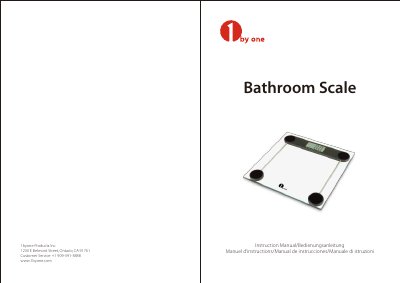
The 1byone Bathroom Scale instruction manual explains how to prepare and use the scale, including selecting kg, lb or st with the UNIT button and taking a weight measurement. It also describes the LCD display, Lo and Err indications, automatic shutoff, and care reminders.
The document lists specifications such as a maximum capacity of 180 kg / 400 lb / 28 st:5 lb, 0.1 kg / 0.2 lb / 1 lb division, a 5 kg minimum weight, and a CR2032 battery. It includes disposal guidance for the appliance and batteries.
| Capacity | 180 kg / 400 lb / 28 st:5 lb |
|---|---|
| Division | 0.1 kg / 0.2 lb / 1 lb |
| Weight unit | kg / lb / st:lb |
| Minimal weight | 5 kg |
| Function key | UNIT |
| Display | LCD |
| Battery | 1 x CR2032 |
| Turn on | Auto on or press UNIT |
| Turn off | Auto off |
| Automatic shutoff | After 10 seconds of inactivity |
Press the UNIT button on the back of the scale to select kg, lb or st.
Put the scale on a hard, flat surface, step on it to turn it on, and stand still until the display blinks three times.
Lo indicates low battery; the scale turns off after a few seconds, so replace the battery.
Err is shown when the scale is overloaded; remove the weight to protect the sensors.