
Key facts
- Manuals
- 1
- Languages
- EN
- Last added
- 2026-10-03
Featured 1 BY ONE manuals
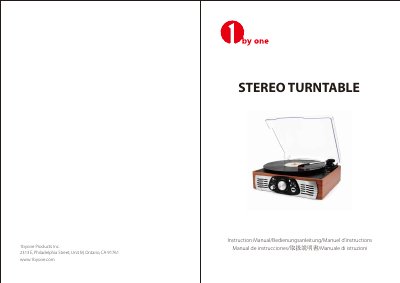
1byone Stereo Turntable Instruction Manual
This manual explains how to connect the supplied AC adapter, install the turntable, and use the controls for playing records, selecting speeds (33/45/78 RPM), and adjusting volume. It also covers the 45 RPM adapter, USB playback of MP3 files, recording to USB, and using the RCA audio‑out to connect to external audio equipment.
Safety instructions, stylus replacement, power‑management (auto‑standby after 15 minutes), and a detailed troubleshooting guide are included, along with technical specifications and disposal information.
Covers: Box Contents · Getting Started / Main Operation · Listening to a Record · USB Playback and Recording · Audio Out (RCA) Connection · Safety Instructions
Latest 1 BY ONE manuals
1byone Stereo Turntable Instruction Manual
User Manual 31 pages · 1.3 MB · ENThe 1byone Stereo Turntable Instruction Manual provides setup, operation, USB playback, and troubleshooting guidance.
Which document do I need?
User Manual
Day-to-day operation, settings and troubleshooting. Start here if the product is already set up.
Questions answered in 1 BY ONE manuals
How do I connect the turntable to an external audio system?
Use a standard RCA cable: plug the red and white connectors into the AUDIO OUT RCA Jacks on the rear of the turntable and the other end into the AUX INPUT of your audio device.
How can I replace the stylus on the turntable?
Lift the tone arm, press the red stylus holder to release it, remove the old holder, place the new red stylus holder under the cartridge housing, and snap it into place.