
This manual provides instructions for the setup, operation, and maintenance of the 1byone Digital TV Converter Box.
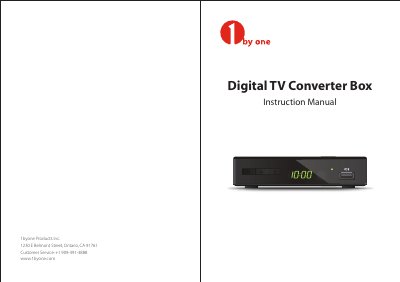
The document serves as an instruction manual for the 1byone Digital TV Converter Box. It details safety precautions, describes the physical layout including ports like HDMI and USB, and explains how to use the remote control functions such as channel scanning and menu navigation.
Users are guided through basic operations including connecting the device to a television via HDMI or RF cables, performing automatic or manual channel scans (Air or Cable modes), and accessing features like the Electronic Program Guide (EPG) and timer settings. The guide also covers system setup options for language, display mode, and parental controls.
| Power Input | 5V 1A |
|---|---|
| USB Support | Flash disks only |
The default password to access the Edit Channel menu or lock channels is 0000.
Yes, you can set Scan Mode, Channel No., Frequency, and Bandwidth to perform a manual channel search.