
This document is the support manual for the Philips audio player SA4100 series, which introduces the installation, usage, music transfer, recording, and other functions of the player, as well as frequently asked questions and upgrade methods.
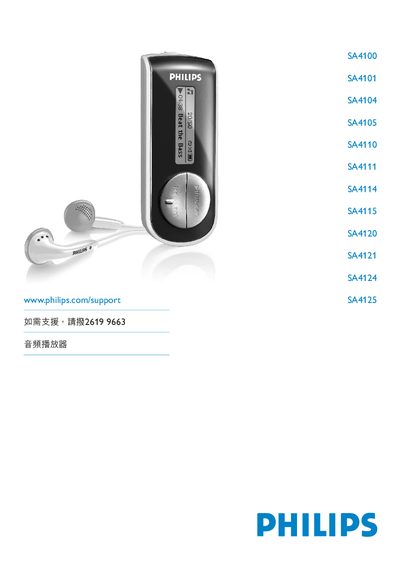
This manual provides safety guidelines, product contents, and step‑by‑step instructions for setting up Philips SA4100‑SA4125 audio players. It explains how to install batteries, connect the device to a computer, and transfer music using Windows Media Player 10.
Detailed sections cover music playback, voice recording, device settings, firmware upgrades, technical data, and a FAQ. Contact information for Philips support worldwide is also included. This manual is written in Chinese.
| Operating temperature | 0 °C to 35 °C |
|---|---|
| Storage temperature | -20 °C to 45 °C |
Connect the player to a PC, start Philips Device Manager, and select Update to download and install the latest firmware.
If there is no activity for three minutes, the player automatically powers off.