
This is a Sony cassette recorder user manual, which can record double the normal length of audio
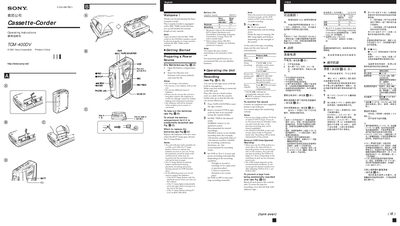
This manual explains how to set up and operate the Sony TCM-400V cassette recorder. It covers power source preparation, battery installation, recording modes (NORMAL and DOUBLE), VOR voice‑operated recording, and playback speed control. The device includes a REC TIME switch for double‑length recording and a VOR switch for automatic start/stop.
Additional sections describe maintenance procedures such as cleaning the tape heads, troubleshooting common problems, safety precautions, and detailed technical specifications. Battery replacement instructions and tips for optimal tape use are also provided.
| Recording system | 2‑track 1 channel monaural |
|---|---|
| Tape speed | 4.8 cm/s or 2.4 cm/s |
| Frequency range | 250 – 6300 Hz (TYPE I cassette, NORMAL mode) |
| Speaker diameter | Approx. 3.6 cm (1.7 in.) |
| Power output | 250 mW at 10 % harmonic distortion |
| Microphone input | Minijack, sensitivity 0.2 mV for ≤3 kΩ microphone |
| Earphone output | Minijack, 8 Ω – 300 Ω earphones |
| Variable tape‑speed range | +30 % to –15 % (REC TIME at NORMAL) |
| Power requirements | 3 V DC, two AA (R6) batteries |
| Mass | Approx. 160 g |
Replace the batteries with new ones when the BATT lamp goes off and the © lamp flashes.
Press @ REC while pushing the lever in the tape compartment, then wipe the heads, pinch roller, and capstan with a cotton swab moistened with alcohol after every 10 hours of use.
The REC TIME switch lets you record double the normal length on any cassette; in DOUBLE mode the tape speed is 2.4 cm/s, giving about twice the recording time.
Turn the SPEED CONTROL switch to SLOW, CENTER, or FAST to play back at slower, normal, or faster speed respectively.