
This document introduces the use of Nikon D40 camera, including the camera's functions, settings, and usage techniques
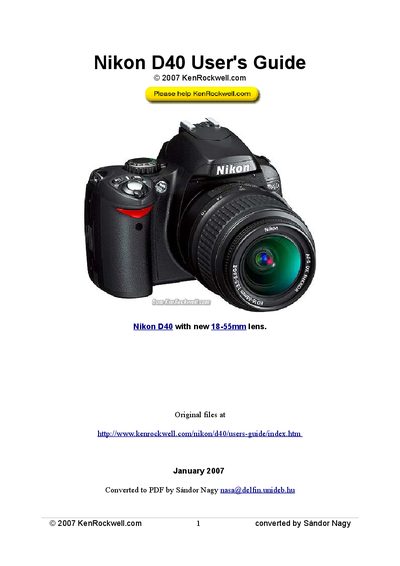
This guide walks users through the Nikon D40’s controls, menus and key settings such as exposure compensation, ISO, white balance and image optimization. It includes step‑by‑step instructions for using the top panel, rear panel and side controls, as well as tips for achieving good results in various shooting situations.
The document also provides an appendix with deeper explanations of exposure, shutter speed, aperture and ISO, plus practical advice on resetting the camera to default settings and customizing menus for personal workflow.
| ISO range | 100‑1600 |
|---|---|
| Minimum shutter speed (Auto ISO limit) | 1/15 sec |
Press the reset button on the camera and follow the on‑screen prompts to restore the default configuration.
The D40 can be set up to ISO 1600 when using Auto ISO, with lower values such as ISO 200 for normal lighting.
Select the AUTO white‑balance setting, optionally using a UV filter, or choose a custom preset such as Direct Sun or Cloudy as needed.