
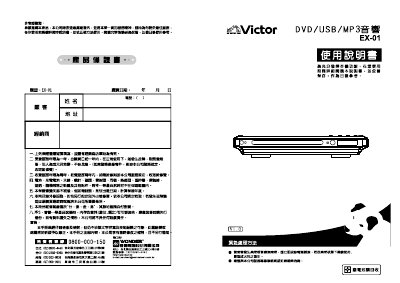
This manual explains how to unpack, connect, and operate the Victor EX-01 DVD player, including safety precautions, panel and remote control functions, TV and audio system connections, and basic playback controls.
It also covers menu settings, FM radio operation, technical specifications, and a troubleshooting guide for common problems such as remote control, picture, sound, and disc playback issues. This manual is written in Chinese.
| Supported discs | DVD/DVCD/VCD/CD/SVCD/MP3/MP4 |
|---|---|
| Video formats | MPEG2 (DVD), MPEG1 (VCD) |
| Audio formats | MPEG1, MPEG2, PCM; stereo |
| Signal outputs | Video, left/right audio, coaxial digital |
| Video system | NTSC, PAL, or AUTO |
| Video output | 1.0 Vp-p |
| Audio output | Stereo 2 V (RMS) |
| Power supply | 110 V / 60 Hz |
The batteries may be exhausted, or the remote's front end may not be aligned with the DVD player's infrared receiver.
The video cable may not be connected properly, or the TV may not be set to video mode.
The audio cable may not be connected properly, or the external amplifier may be operated incorrectly.
Reinsert the disc with the printed side facing up.