
This document is about the quick start guide for MCD 288, which includes information about the items in the packaging box, connection settings, and usage steps.
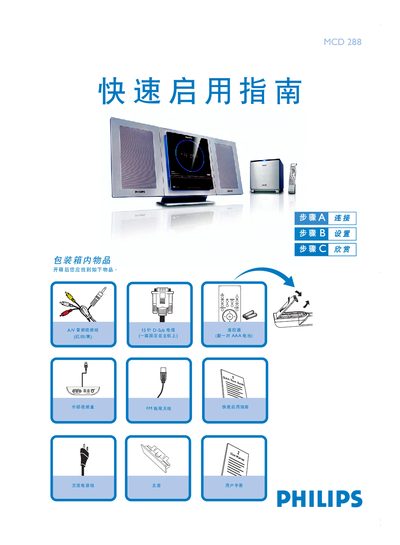
This document is the Quick Start Guide for the MCD MCD288 Audio Video System. It details the items included in the packaging and provides step-by-step instructions for initial setup, including connecting speakers, FM antenna, and A/V cables to a television. It also explains how to set the clock and select the correct video input on the TV. This manual is written in Chinese.
In standby mode, press and hold CLOCK on the remote, then use VOLUME-/+ to set the hour and minute as they flash, pressing CLOCK between steps and again to confirm.
Insert a disc into the slot-loading disc player with the label side facing out and make sure no other disc is inside. Playback starts automatically; otherwise press the ÉÅ key, and to stop press STOP 9.
You can use USB flash memory (USB 2.0 or USB 1.1), a USB flash player (USB 2.0 or USB 1.1), or a memory card with a card reader.