
MCD177 Quick Start Guide, introduces how to connect the speaker, TV, antenna, how to set the clock and play CD, radio, USB device, etc.
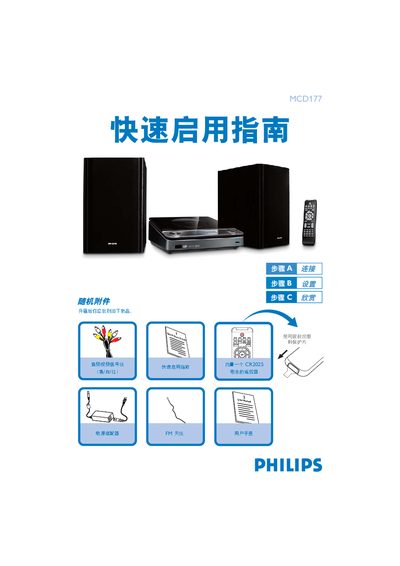
The guide walks you through the initial setup of the Philips MCD177, starting with the items included in the box and how to connect the audio/video cables, power adaptor, speakers and FM antenna. It also explains how to set the clock, adjust progressive scan settings, and select the appropriate source (DISC, FM, USB).\n\nFurther sections cover basic operation such as inserting a CD, programming radio stations, and playing audio files from a USB flash drive or memory card. For detailed functions, the guide refers you to the full user manual. This manual is written in Chinese.
| Remote control battery | CR2025 |
|---|---|
| Audio/video signal cable | Yellow/white/red cables included |
Press and hold the PROG button for more than two seconds, then use the ¡/™ keys to step through stations until the desired presets appear.
Connect the provided audio cable (white/red) from the LINE OUT (L/R) jack to the TV's AUDIO IN jack, or use an external AUX IN cable for TV radio playback.
Insert the USB device into the front‑panel USB port, press the SOURCE (or USB) button, and the player will play audio files stored on the drive.