
CASIO watch user manual, introduces the functions and usage of the watch
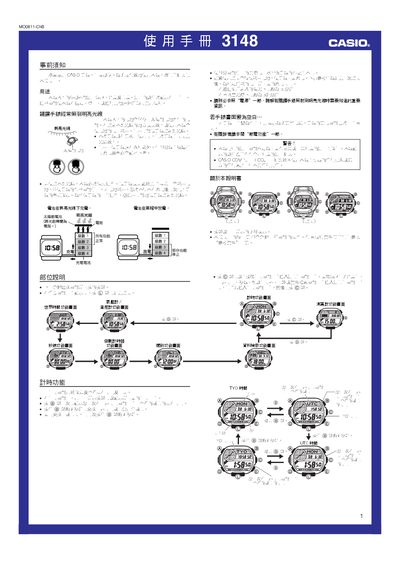
This manual explains how to operate the Casio 3148MO0811-ChB watch, covering basic functions such as time and date setting, world time, stopwatch, countdown timer, and alarm. It also details the sensor features – altitude, barometric pressure and temperature – and how to configure measurement intervals and reference heights.
Additional sections describe the automatic and manual illumination, power‑saving mode, solar charging, battery level indicators, and procedures for clearing history data or resetting the watch. Safety warnings and troubleshooting tips are provided for sensor errors and low‑battery conditions. This manual is written in Chinese.
| Pressure measurement interval | Every 5 seconds |
|---|---|
| Illumination type | EL (electroluminescent) panel with auto‑light |
Press and hold the L button for about 3 seconds on the timing screen; the indicator A.EL will appear when auto‑light is on and disappear when it is off.
All functions stop and the watch returns to its factory default settings; you must charge the battery to at least level 2 before re‑configuring the time and other settings.