
Casio EX-Z30/EX-Z40 Digital Camera User Manual

This is a user manual for a Casio digital camera, which introduces the camera's unpacking, usage methods, precautions, etc.
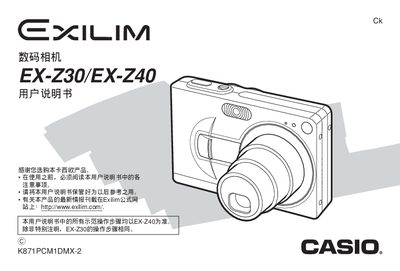

Casio EX-Z30/EX-Z40 Digital Camera User Manual - cover page
Brand
Casio
Category
Digital cameras
Document type
User Manual
Language
English
Pages
198
File format
PDF
File size
4.2 MB
Published
17 December, 2011
Updated
30 September, 2023
Models
EX-Z30, EX-Z40
MD5 checksum
4B61774D0D38B7A82EAAF437E57C5B99

About this manual

This manual provides comprehensive instructions for the Casio EXILIM EX-Z30 and EX-Z40 digital cameras. It covers initial setup, basic operations, shooting modes, playback functions, and camera settings.

The document includes detailed sections on battery charging, memory card usage, image recording and playback, printing via PictBridge, computer connection for Windows and Macintosh, and technical specifications for the camera, battery, USB cradle, and AC adapters.

What's inside

  • Preparation
  • Parts Identification
  • Basic Operations
  • Recording Images
  • Playback
  • Editing Images
  • Settings
  • Memory Card
  • Printing
  • Computer Connection

Frequently asked questions

What is the weight of the camera without the battery and accessories?

The camera weighs approximately 121g when the battery and accessories are not included.

What are the power requirements for the AC adapter?

The AC adapter requires 100至240V交流申, 30/60Hz, 83mA.

Download PDF (4.2 MB)

More Casio Manuals


View all Casio manuals →