
NEC N8151-61A User Manual

Instruction manual for internal AIT, introducing the use of the product
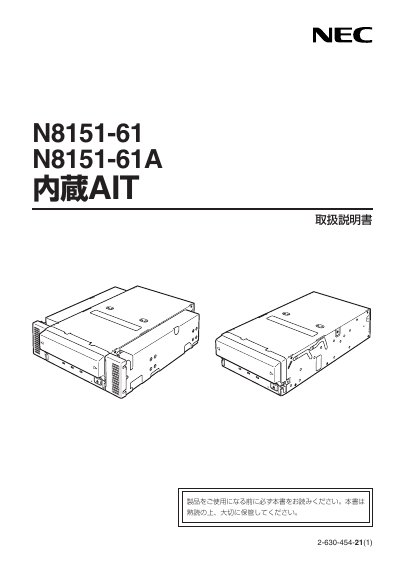

NEC N8151-61A User Manual - cover page
Brand
NEC
Category
Other Computer Accessories
Document type
User Manual
Language
Japanese
Pages
63
File format
PDF
File size
1.2 MB
Published
30 September, 2011
Updated
30 September, 2023
MD5 checksum
17D45AB947D0A9E5ADD16A67E05AD633

About this manual

This manual explains how to safely operate the NEC N8151-61A built‑in AIT tape drive. It includes safety symbols, warnings, and general precautions to prevent electric shock, fire, and equipment damage.

It also covers proper installation, cable connection, moving, storage, and maintenance procedures, plus a troubleshooting checklist for common issues such as tape ejection failures and cleaning‑tape problems. This manual is written in Japanese.

What's inside

  • Safety Symbols and Warnings
  • General Precautions
  • Power and AC Cable Precautions
  • Installation, Moving, Storage, and Connection
  • Maintenance and Cleaning Tape Handling
  • Troubleshooting Checklist

Frequently asked questions

What safety step must be taken before connecting or disconnecting the AC cable?

Always unplug the AC cable from the outlet before attaching or removing any cables or devices.

What should I do if the cleaning tape does not eject?

Press the EJECT key to release the cleaning tape, then replace it with a new cleaning tape and run the cleaning cycle again.

Download PDF (1.2 MB)

More NEC Manuals


View all NEC manuals →