
User manual
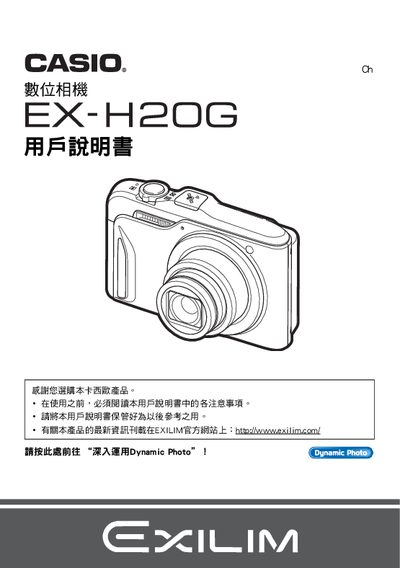
This manual explains how to open the camera package, check included accessories, and install the NP‑90 rechargeable battery and C‑90L charger. It then guides you through basic functions such as power on/off, holding the camera, and using the various shooting modes.
Later sections cover advanced features like Hybrid‑GPS usage, Dynamic Photo creation, printing via PictBridge, connecting to computers (Windows, Mac, Eye‑Fi), and configuring settings such as ISO, white balance, and sleep mode. This manual is written in Japanese.
| Battery type | NP‑90 rechargeable battery |
|---|---|
| Charger model | C‑90L charger |
| LCD pixel yield | 99.99% pixel yield |
| Hybrid‑GPS function | Enabled |
Open the packaging, inspect the items, and verify that all accessories are present.
The camera uses an NP‑90 rechargeable battery.