
This manual introduces how to use HEM-6051 blood pressure monitor, including safety precautions, names of each part, battery installation, time adjustment, measurement posture check function and buzzer setting, tightening the wrist cuff, confirming the correct posture, measuring blood pressure, reading measurement records, cleaning and maintenance, information about wrist blood pressure monitor, measurement Q&A (when the measurement value is too high/low), error display, suspected malfunction and other contents.
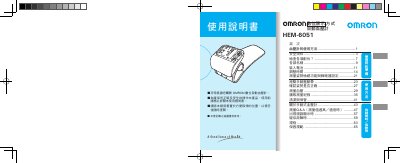
This manual provides step-by-step instructions for using the Omron HEM-6051 digital automatic blood pressure monitor. It includes safety precautions, battery installation, time setup, measurement procedures, and troubleshooting for common errors. The device stores measurement data with date and time and features a posture check function to ensure accurate readings. Specifications such as measurement range, accuracy, and battery life are detailed in the appendix. This manual is written in Chinese.
| Measurement Range | Pressure: 0~299 mmHg, Pulse: 40~180 beats per minute |
|---|---|
| Measurement Accuracy | Pressure: ±3 mmHg, Pulse: ±5% of reading |
| Battery Type | 2 x AA alkaline batteries |
| Battery Life | Approximately 300 uses (under specified conditions) |
| Device Lifespan | 5 years or 30,000 measurements (excluding consumables) |
| Operating Temperature | +10~+40℃ |
| Storage Temperature | −20~+60℃ |
| Wrist Circumference | 135~215 mm |
| Device Weight | Approximately 114 g (without batteries) |
| Dimensions | 70×70×21 mm (without wrist cuff) |
If the device displays an error, check if the wrist cuff is properly wrapped, if the arm is still moving, or if the battery is low. Replace the battery or reposition the cuff and retry.
The device uses the oscillometric method for blood pressure measurement.
Ensure the batteries are inserted correctly, and press the measurement/stop button to restart the device. If the issue persists, contact the Taiwan Omron customer service center.