
This document is an operation manual for OMRON blood pressure monitor, which provides instructions on how to use the product, safety precautions, and FAQs. It is important to read the manual before using the product to ensure correct and safe operation.
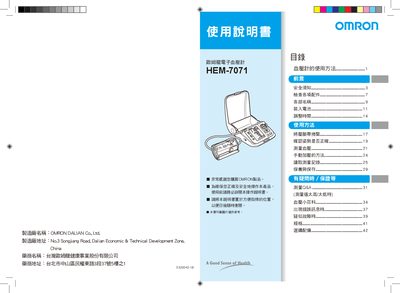
This manual explains how to safely install and operate the Omron HEM-7071 automatic blood pressure monitor. It covers safety notices, battery installation, date‑time setup, and proper measurement techniques to ensure accurate readings.
Additional sections describe how to replace the batteries, connect the optional AC power adapter, interpret recorded data, perform routine maintenance, and resolve common errors. Technical specifications and a list of supplied accessories are also provided. This manual is written in Japanese.
| Weight (without battery) | ≈ 820 g |
|---|---|
| Dimensions | 161 mm × 102 mm × 227 mm |
Measure at the same time each day to improve management of blood pressure.
Contact Omron customer service for support. In many cases, resetting the date/time after battery replacement resolves the issue.