
This is a digital camera manual, which contains the use of the camera, function introduction and precautions.
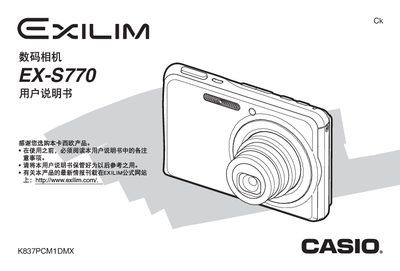
This manual covers everything you need to get started with the Casio EX‑S770 digital camera, from unpacking the box and installing the battery to configuring basic settings such as language, date, and time. Detailed instructions guide you through using storage cards, shooting still photos, creating animations, and editing images directly on the camera.
Additional sections explain advanced functions like focus modes, white‑balance control, and image quality adjustments, as well as how to print, transfer files to a computer, and perform routine maintenance. An appendix provides specifications, connector details, and troubleshooting tips.
| Internal storage | 6.0 MB |
|---|---|
| Weight | ≈127 g |
Select the format option in the menu to format the storage card.
Use the menu to configure the display language, date, and time settings.
Connect the camera to a PC via USB and use the provided software to view and store images.