
User manual for the 14‑inch smart background music host, covering features, specifications, wiring, operation, safety and troubleshooting.
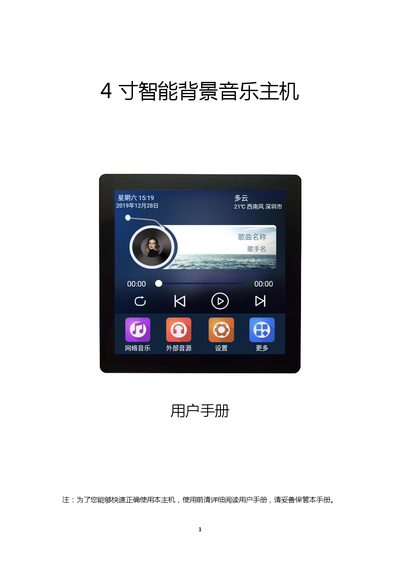
This manual provides an overview of the 14‑inch smart background music host, describing its functions such as voice control, Bluetooth, Wi‑Fi, external audio input, and support for TF cards and USB storage. It also outlines the hardware specifications, including power input, display, CPU, and connectivity options.
The guide includes detailed wiring diagrams, step‑by‑step operation instructions, application scenarios, safety precautions, and a troubleshooting section to help users resolve common issues such as Wi‑Fi connectivity, slow startup, and audio problems. This manual is written in Chinese.
| Power input | AC90‑250V |
|---|---|
| Output power | 2 × 20 W |
| Output impedance | 8 Ω |
| Display screen | 4‑inch multi‑touch capacitive screen |
| Operating system | Android 7.1 |
| CPU | RK31284 Cortex‑A7 @ 1.2 GHz |
| Audio inputs | 1 × AUX |
| Audio outputs | 1 × line out, 1 × sub‑woofer |
| Wi‑Fi range | 30‑50 m |
| Bluetooth range | 10 m |
| Voice control distance | 5 m |
| Product dimensions | 86 × 86 × 57 mm |
Press the power button for 3 seconds to turn on; press again for 3 seconds to turn off. A short press puts the device to sleep, and another short press wakes it.
Operate the device in an environment with temperature between 10 °C and 35 °C and humidity between 20 % and 80 %.
If the device becomes hot, close unnecessary applications, lower screen brightness, and reduce volume; this is normal under heavy use.