
This manual provides safety instructions, setup, operation, remote control use, and troubleshooting for the Golin KMP‑WD01S audio combo.
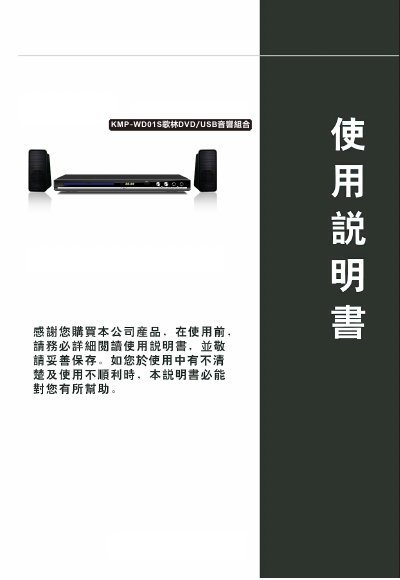
The Golin KMP‑WD01S is a DVD/USB audio combo that supports CD, SVCD, MP3, JPEG and other media formats. It features left/right audio channels, coaxial and optical outputs, and a remote control powered by two AA batteries.
The manual covers preparation before use, safety precautions, detailed operation steps for CD playback, media copying to USB, system settings, and a troubleshooting guide to resolve common issues such as power problems or playback errors. This manual is written in Chinese.
| Remote control battery type | Two AA (7号) batteries |
|---|---|
| Power source | AC mains |
Open the battery cover, insert two AA (7号) batteries correctly, and close the cover.
Make sure the power plug is securely inserted into the wall socket.
Press the copy key, select the desired tracks, and follow the on‑screen prompts to transfer them to the USB drive.
Keep at least 3 cm clearance for ventilation, avoid exposure to water, heat sources, and do not open the unit yourself.