
Owner’s manual for the Audiobyte Hydra Z USB audio bridge, covering safety, connections, specifications, driver installation and firmware updates.
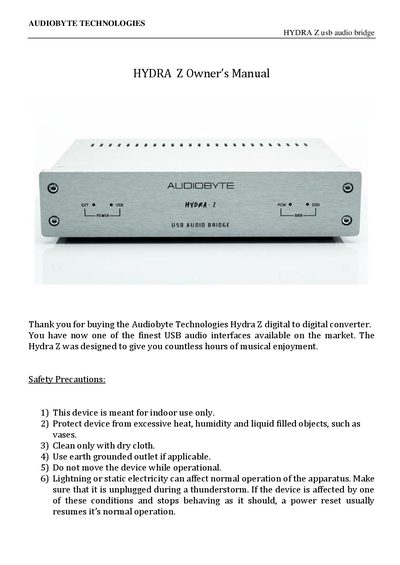
The Audiobyte Hydra Z is a USB‑to‑digital audio converter with one USB input and six digital audio outputs. It provides PCM and DSD playback, clock generation, and optional external power. The manual details safety precautions, hardware layout, supported sample rates, and configuration settings.
Installation steps include driver installation for Windows, optional external power connection, and firmware update procedures. The document also contains warranty information and a revision history.
| USB Input | USB 2.0, type B |
|---|---|
| DC Power Input | 5 V DC (max 6 V DC) |
| Audio Outputs | S/PDIF RCA, S/PDIF BNC, AES/EBU, Toslink, I2S (LVDS), BNC Wordclock/Masterclock |
| SPDIF & AES/EBU Sample Rate | 44.1 kHz – 192 kHz PCM, DSD64 via DoP |
| I2S Sample Rate | 44.1 kHz – 384 kHz PCM, DSD64‑256 native |
| Wordclock Frequency | 44.1 kHz – 384 kHz (depends on source) |
| Phase Noise (Wordclock) | -114 dBc/Hz @ 10 Hz |