
User manual for the iFlyOS home background music controller, covering features, wiring, operation, safety and troubleshooting.
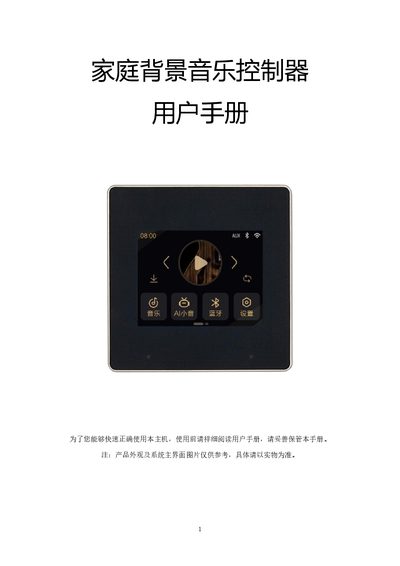
This manual introduces the iFlyOS home background music controller, describing its functions such as voice control, Bluetooth, audio I/O, Wi‑Fi streaming, and timed music playback. It provides detailed wiring diagrams, hardware specifications, and step‑by‑step instructions for setup and daily use.
Safety guidelines, maintenance tips, and a troubleshooting section help users avoid common issues and keep the device operating reliably. The manual also explains how to connect the controller to the iFlyOS app for remote control and smart‑home integration. This manual is written in Chinese.
| Power Input | AC90‑250V |
|---|---|
| Display | 2.8‑inch TFT digital HD screen |
| Output Impedance | 8 Ω |
| Output Power | 2 × 20 W |
| Voice Control Distance | 5 m |
| Wi‑Fi Range | ≥30 m, ≤50 m |
| Audio Input (AUX) | 1 group |
| Audio Output | 1 group |
| Bluetooth Audio Push | Supported |
| Wi‑Fi Audio Push | Supported |
| Product Size | 86 mm × 86 mm |
| Line Box Opening Size | 86 mm × 86 mm × 30 mm |
Open the Settings menu, select Wi‑Fi, choose the desired network, enter the password, and confirm to connect.
Enable Bluetooth on your phone, search for the device named 86F‑BT, pair with it, then open your phone’s music player to stream to the controller.
In Settings, select “System Update” to download and install the latest firmware version.