
This document is a preparation and setup guide that explains how to use the product and provides recommendations for confirming and using the accessories. It also includes an operation manual, wireless LAN connection guide, operation instructions, and frequently asked questions. The product features long battery life, font enlargement function, password protection, SD card slot, wireless LAN functionality, and DVD-Video playback.
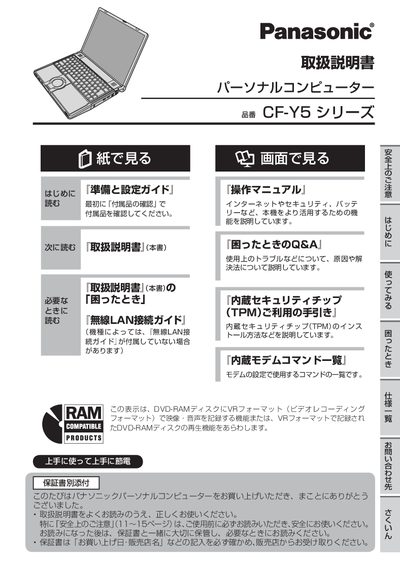
This manual provides detailed instructions for setting up and using the Panasonic CF‑Y5 personal computer. It includes preparation steps, hardware configuration, and guidance on operating system features such as the Setup Utility, Fn key functions, and CD/DVD drive usage.
Additional sections cover power management, battery care, wireless LAN configuration, built‑in security features (TPM, password protection), and a comprehensive troubleshooting guide for common issues like power‑on failures, display problems, and password recovery. This manual is written in Japanese.
The manual lists several possible causes, such as display driver settings, power‑saving mode, or a faulty LCD connection; refer to the "Screen Display" troubleshooting steps.