
The KV-S1025CN-S is a scanner produced by Panasonic. This scanner has the characteristics of high speed, automation, and multi-function. It can scan business cards, A4 paper, thin paper, postcards, etc., and can scan both sides at the same time. It can also scan plastic cards, such as membership cards. This scanner can also save scanned data directly as PDF files, which is very convenient.
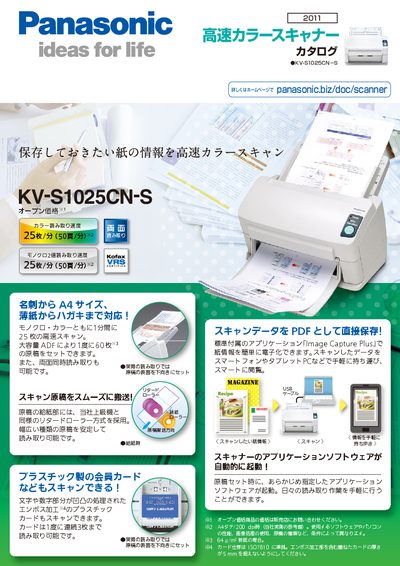
This manual describes the features and specifications of the Panasonic KV-S1025CN-S scanner, including high‑speed color and monochrome scanning, a 60‑sheet ADF, and USB 2.0 connectivity. It also explains how to use the bundled Image Capture Plus software for image processing, document creation, and file management.
Safety notices, maintenance tips, and optional accessories are covered, along with legal copying restrictions and warranty information. The document is written primarily in Japanese with occasional English terms. This manual is written in Japanese.
| Monochrome scan speed (both sides) | 25 sheets/min (50 pages/min) |
|---|---|
| Maximum scan resolution | 200 dpi (A4 portrait) |
| Supported paper size | 48 × 70 mm – 216 × 356 mm (continuous feed) |
| Power supply | AC100 V 50/60 Hz (AC adapter) |
The scanner comes with the Image Capture Plus application for scanning, editing, and saving files.
It operates on AC100 V, 50/60 Hz using an AC adapter.