
This manual describes how to use the Panasonic KXL-CB10AN Portable DVD-ROM and CD-R/RW Drive. It covers how to connect the drive to your computer, how to install the drivers, how to use the drive to burn and play CD-R/RW discs, and how to use the DVD video playback software.
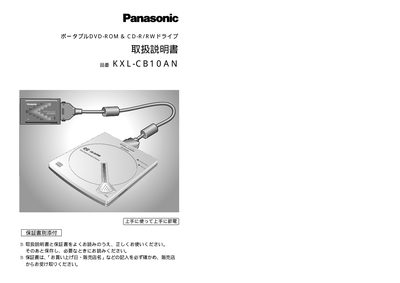
This manual explains how to install and use the Panasonic KXL‑CB10AN portable DVD‑ROM & CD‑R/RW drive. It covers safety precautions, system requirements, driver installation, and connection steps for Windows 98, Me, and 2000 computers. Detailed instructions are given for setting the CardBus interface, configuring mode switches, and verifying the connection.
The guide also describes supported disc formats, how to handle and insert discs safely, and how to install the bundled software such as PowerDVD VR‑X and B's Recorder GOLD. Troubleshooting tips, common questions, and warranty information are provided at the end of the document. This manual is written in Japanese.
| Thickness | 18.5 mm |
|---|---|
| Minimum RAM | 64 MB |
| Minimum hard‑disk space | 100 MB (800 MB recommended) |
| Interface | CardBus (PCMCIA) slot |
| Supported operating systems | Windows 98, Windows Me, Windows 2000 |
The drive works with Windows 98, Windows Me, and Windows 2000.