
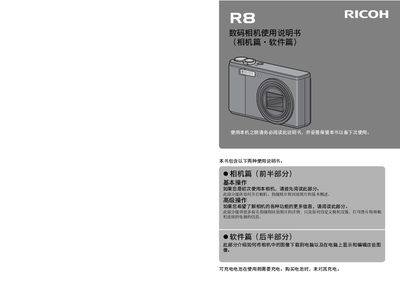
This manual provides instructions for operating the Ricoh R8 digital camera, including basic and advanced photography features, image editing, and software use. It also includes safety warnings, troubleshooting steps, and contact information for Ricoh support centers. The manual is bilingual, with content in Chinese and English, and covers both camera and software operations. This manual is written in Chinese.
| Lens | 7.1x optical zoom (28mm to 200mm equivalent) |
|---|---|
| Macro Photography | 1cm ultra macro and 25cm (telephoto) or 20cm (wide-angle) flash close-up |
| Face Detection | Face recognition mode for optimal shooting |
| Image Resolution | 3648×2736 pixels |
The camera automatically focuses on the subject's face and adjusts exposure and white balance for optimal results.
The camera has a 7.1x optical zoom lens, ranging from 28mm (wide-angle) to 200mm (telephoto).
You can crop, adjust brightness, or adjust color balance for the image, and save it as a new file.