
This document provides instructions and information about the GZ-MC500E/EK LYT1424-001A EN ENGLISH DIGITAL MEDIA CAMERA, including video recording and playback, menu settings, still image recording and playback, voice recording and playback, and advanced operations. It also introduces the removable hard disk, various recording media and modes, and various recording features of the camera.
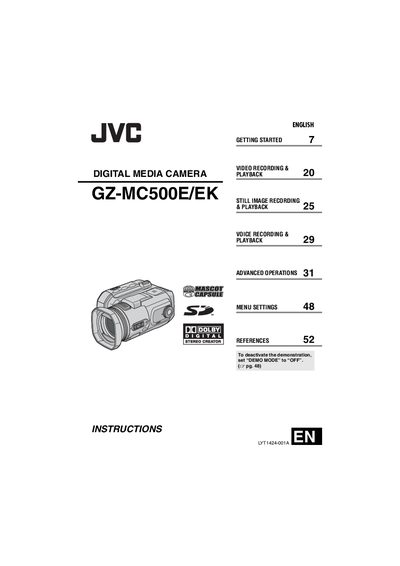
This manual covers the JVC GZ-MC500E/EK digital media camera, a consumer camcorder that records high‑resolution MPEG‑2 video to a removable hard disk, CompactFlash or SD cards. It describes the camera’s features such as video, still image, voice recording, and playback functions, as well as accessories and safety precautions.
The guide walks users through getting started, connecting accessories, using the menu system, managing files, and troubleshooting common issues. Detailed specifications, recording media options, and connection methods for TV, USB and PictBridge printers are also included.
| Audio output | 300 mV (rms), 1 kΩ, stereo |
|---|---|
| Video output | 1.0 V (p‑p), 75 Ω, analogue |
| USB interface | Mini USB‑B, USB 1.1/2.0 compliant |
| Linear PCM audio recording (FINE mode) | 48 kHz, 1,536 kbps, 16‑bit, stereo |
Use the AV/S‑Video output cable and follow the "Connecting to a TV or VCR" instructions in the manual.
Connect the camera to a PC with the USB 2.0 cable and use the bundled Cyberlink software to copy and edit the files.
Yes, if the printer supports PictBridge, connect the camera to the printer via USB and print the images.