
This document is the installation manual for BL-C111 and BL-C131 network cameras. It explains how to connect the cameras to power and network, and provides guidelines for installation and placement during daily use.
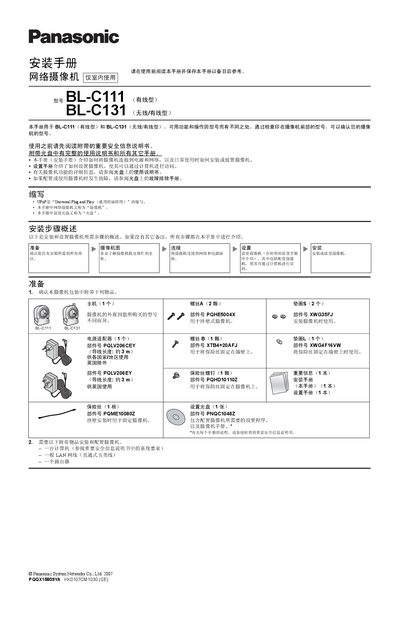
This guide explains how to connect the Panasonic BL-C111 and BL-C131 network cameras to power and a LAN, how to mount them on walls or tripods, and how to perform the initial setup using the supplied setup CD. It also lists the required accessories such as a computer, LAN cable, router and the specific Panasonic power adapter.
The document provides detailed instructions on selecting a suitable installation location, understanding the built‑in thermoelectric infrared sensor range, using the privacy button, and handling wireless communication obstacles. Safety notes and wiring diagrams are included to ensure a correct and reliable installation. This manual is written in Chinese.
| Power adapter part number (BL‑C111CE/BL‑C131CE) | PQLV206CEY |
|---|---|
| Power adapter cable length | ≈ 3 m |
| Built‑in sensor detection range | ≈ 5 m forward, 30° horizontal, 85° vertical |
The sensor can detect motion up to about 5 m in front of the camera, with a horizontal field of about 30° and a vertical field of about 85°.
Only the specified Panasonic adapters may be used: model PQLV206CEY for BL‑C111CE/BL‑C131CE and model PQLV206EY for BL‑C111E/BL‑C131E.