
This is a user manual for Panasonic CF-19M series notebook computers
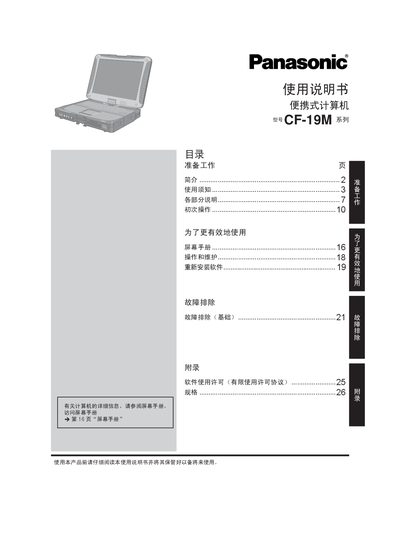
This manual covers everything needed to get the Panasonic CF-19M portable computer up and running. It starts with preparation steps, safety warnings, and a detailed description of each hardware component, followed by initial power‑on procedures and a screen guide.
Later sections explain routine operation, maintenance, software re‑installation, and troubleshooting of common issues. Appendices contain licensing information, regulatory data, and a full specification table for the model. This manual is written in Chinese.
| Memory | 2 GB DDR2 SDRAM (max 4 GB) |
|---|---|
| Hard Disk | 60 GB |
| Wireless LAN | IEEE 802.11b/g, 2.412‑2.472 GHz |
| Power Adapter | AC 100‑240 V, 16.0 V 3.75 A output |
| Weight | ≈ 2.30 kg |
Battery replacement must be performed by authorized service personnel.
The wireless LAN operates in the 2.412 GHz to 2.472 GHz band (2400‑2483.5 MHz).
The manual advises turning off the computer and following airline instructions; it is not designed for use as aircraft equipment.