
P2 DRIVER is a data transmission device that uses a USB 2.0 interface for use with the AJ-P2C series of storage cards. The P2 DRIVER can transfer editing data recorded on P2 cards with a P2 card camcorder to a PC at high speed. The device can not only transfer and copy the recorded clips on the P2 card, but also supports direct editing.
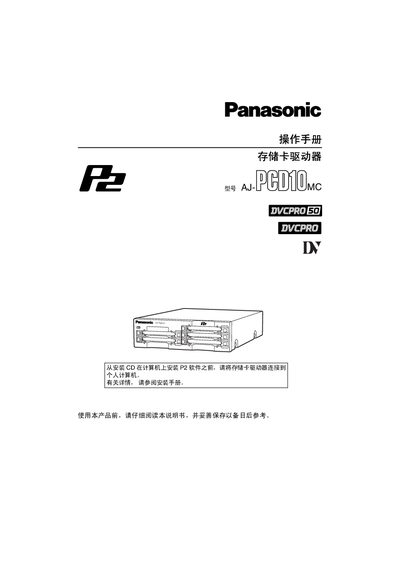
The Panasonic AJ-PCD10 is a USB 2.0 data transfer device for AJ-P2C series P2 cards. It has five card slots, supports high-speed data transfer, and can be used as an external or built-in drive.
This manual covers safety precautions, included accessories, panel functions, inserting and removing P2 cards, write protection, external and internal installation, computer requirements, and specifications. This manual is written in Chinese.
| AC adapter input | AC 100-240 V, 0.8-0.4 A, 50-60 Hz |
|---|---|
| DC input with AC adapter | DC 16 V, 0.8 A |
| DC input when installed in PC | DC 12 V, 1.0 A |
| External dimensions | 148.4 mm x 42.5 mm x 199.0 mm |
| Operating temperature | 0 C to +40 C |
| Operating humidity | 09%6 to 90% (no condensation) |
| Supported OS | Windows XP Professional (SP1 or later), Windows 2000 (SP4 or later) |
| Memory | 512 MB or more recommended |
| Interface | USB 2.0 compatible |
| Card slots | PC Card Type I x5 (CardBus compatible) |
It has five PC Card Type I slots compatible with CardBus.
Yes, it can be used as either an external or built-in drive.
Use a USB cable no longer than 3 m.
The switch is ineffective while the card is in the drive; remove the card, set the switch, then reinsert it.