
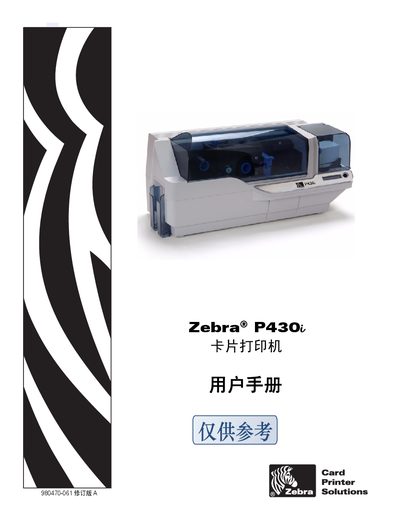
Zebra P430i Card Printer User Manual


Zebra P430i Card Printer User Manual - cover page
Brand
Zebra
Category
Scanner
Document type
User Manual
Language
English
Pages
68
File format
PDF
File size
6.8 MB
Updated
29 September, 2023
Model
P430
MD5 checksum
9793A5686C97F348D1E39E3282E5CBDD

About this manual

This manual covers safety and regulatory compliance information for the Zebra P430i card printer, including FCC, EMC, and CE directives. It also lists contact details for Zebra Card Printer Solutions worldwide.

The guide explains installation steps, driver installation for Windows, supported interfaces (USB), and card technologies such as HID ICLASS and MIFARE 4k. Maintenance procedures, troubleshooting tips, and part numbers are included to help users keep the printer running smoothly.

What's inside

  • Safety and Compliance
  • Regulatory Certifications
  • Installation
  • Driver Installation
  • Supported Card Technologies
  • Interface Connections
  • Maintenance
  • Troubleshooting
  • Contact Information

Specifications

ModelP430i
FCC IDP4301
InterfaceUSB

Frequently asked questions

How can I connect the P430i to a computer?

The printer uses a USB interface for connection.

Download PDF (6.8 MB)

More Zebra Manuals


View all Zebra manuals →